





.svg)









.svg)
.svg)

Record or upload files
Capture a meeting, upload files, or scan scribbled notes from your session

Review your note
Select your template and review the draft Note. Refine it in minutes, not hours

One-click copy to submit
Complete final checks and one-click copy into your internal system to submit

When admin gets easier, everything else gets better
Get back a day a week
Hours spent on documentation add up fast. Notes can draft assessments, case files and meeting notes in minutes, so your team can focus on the people in front of them.

Improve morale and retention
No-one got into frontline services to write up notes.
Let Notes reduce admin time by up to 60% and watch your teams rediscover their passion for the work.

.avif)
.avif)
Detailed notes, deeper conversations
Good casework happens in the conversation, not on the notepad. Notes enables your team to stay present and deliver richer, more accurate records.
.png)
Uncompromising on security and safety







Complete documentation. Completely secure.

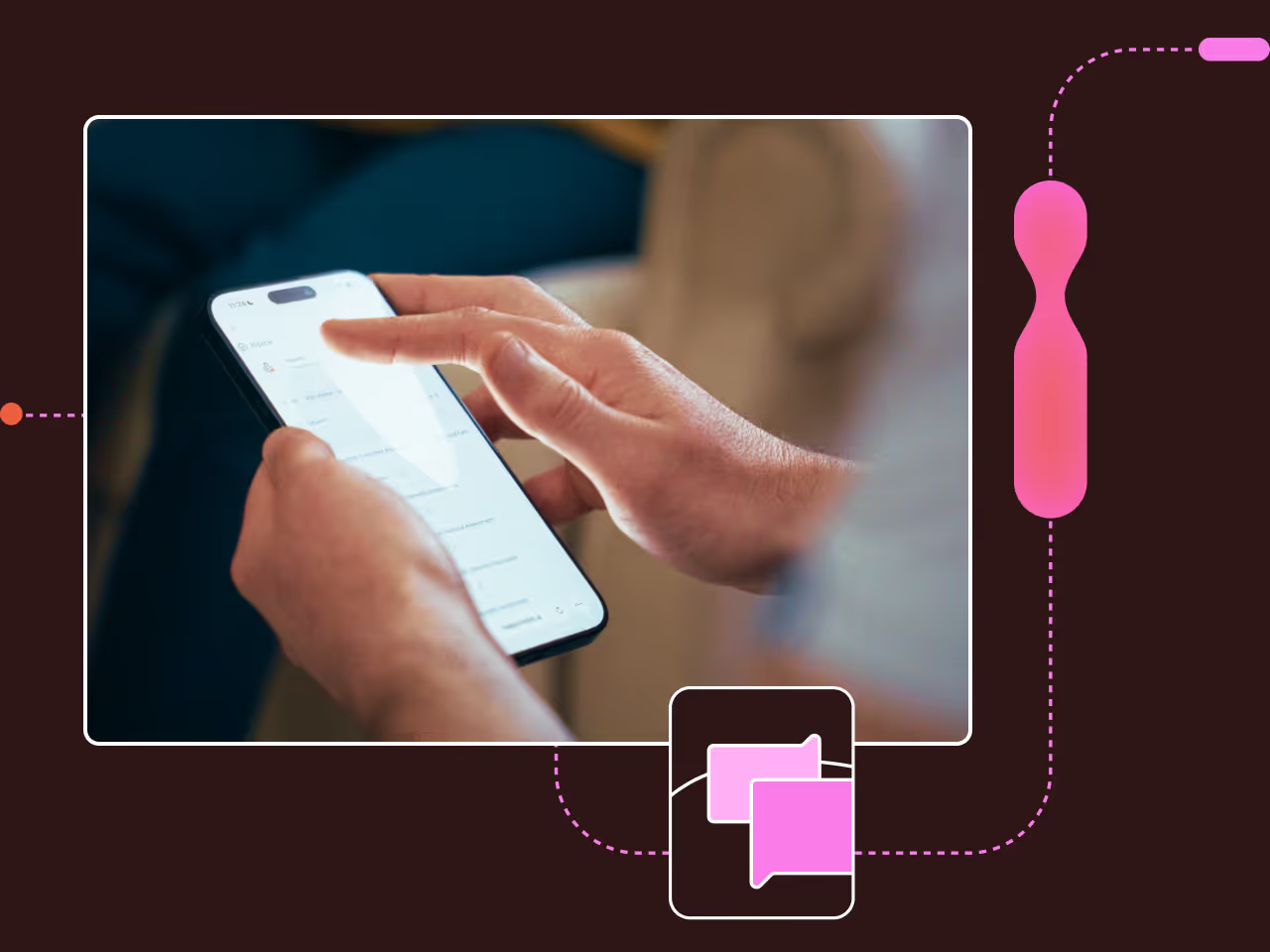
Work on all devices
Works on phones, old and new, as well as computers

Private Knowledge Hub
Search organisational policies and receive tailored insights, mid-meeting

1,000s of templates
Custom-built by expert engineers and former caseworkers

Add files to Notes
Add multiple file types, from handwritten notes to PDFs

Multilingual capability
Run meetings in over 70 languages, and translate into even more

Ask Notes anything
Extract details, draft letters, make rapid edits, all using the Chat bar

Folders & Workflows
Organise Notes your way with folders or Workflow tools

Drafted follow-ups
Draft letters, emails, and any follow-ups. It really can do it all

Insights & Analytics
Detailed reports and analytics on how your team are doing

Works offline
No WiFi? No problem! Notes works in no/low-internet environments
Government-grade security
SSO, MFA and all data encrypted at rest and in transit
APP compliant
Use our products in the knowledge that you'll stay compliant, always
Loved by frontline workers around the world




Frequently Asked Questions
Notes is a web app, which means it runs in a web browser on any device, online or offline. There is no need to download or install any software, and it works across Microsoft, Apple, and Android products.
If you'd prefer, a desktop app is also available to download, giving you quick access straight from your device.
You can record, transcribe and summarise any meeting or conversation. Notes will generate written outputs in custom formats - we work directly with you to design these out so your team's notes are drafted in line with their specific meeting types (eg: Care assessment format, PHP review etc)
Notes is built to help accelerate the first draft of complex plans and assessments in a variety of sectors. Some examples include Education Health and Care Plans, Decision Support Tools, Neurodiversity Assessments and Form Fs. Notes can easily combine meetings and documents to create your desired output.
Notes is designed and built for frontline workers, and we know conversations may contain sensitive and confidential information. We employ state of the art security, including encryption at-rest and in-transit along with strong erasure and back-up policies.
Our Notes tool has been used with a variety of accents and languages and it’s a key criteria we use to evaluate and select our transcription tools. Notes can also detect sessions held in multiple languages, or translate documents in other languages, and automatically translate them for you.
Talk to our specialists about partnering
Speak to a specialist about the impact our tools could have on your team's service delivery.

.gif)


