






unlock your full potential

Training Hub
Everything you need to get the most out of our products, in one place.

Whether you're just getting started or mastering advanced features, choose how you learn best: watch self-guided videos, read written guides, or join live training sessions with our experts.
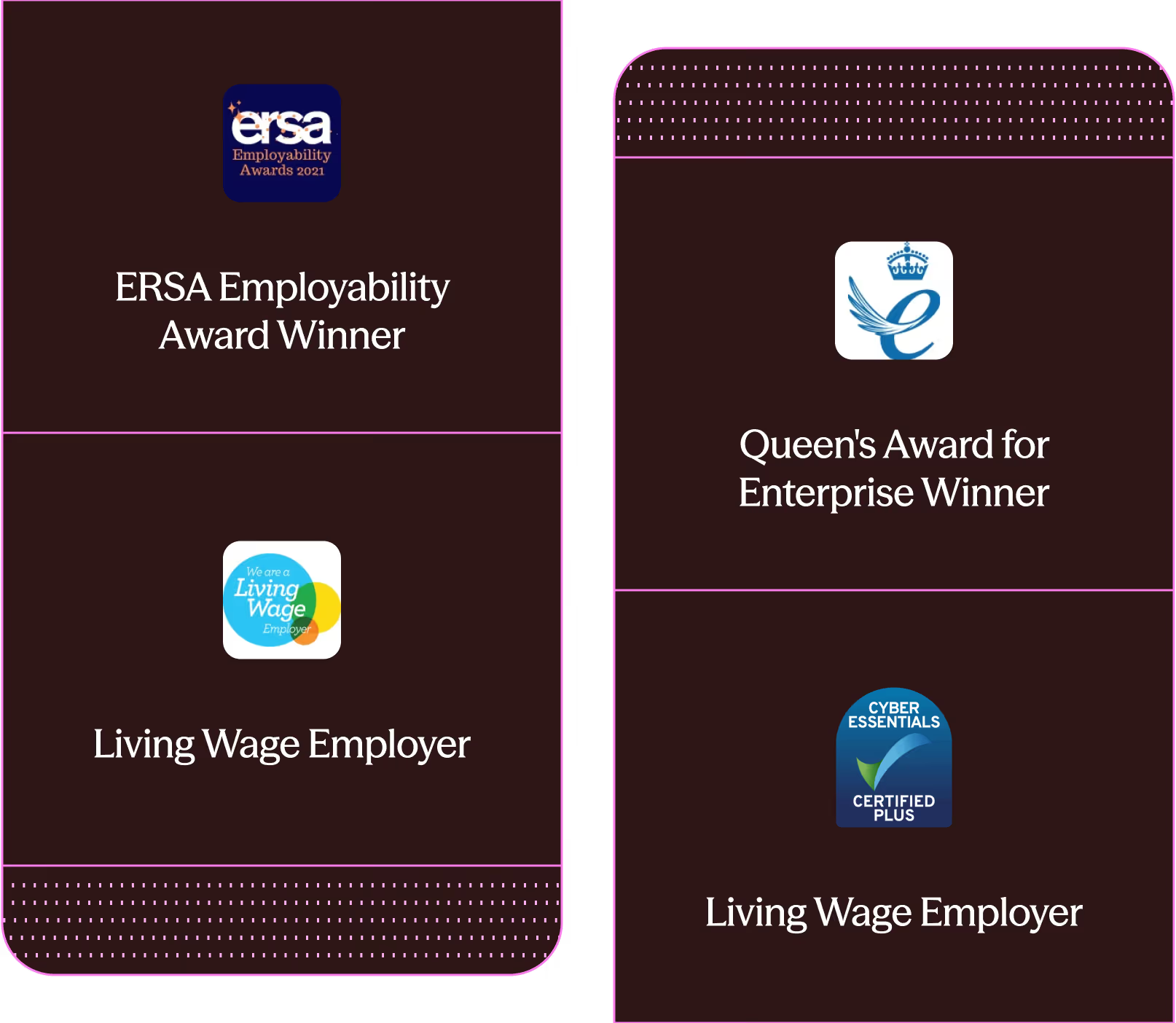
AWARDS

Recognised for the Work We Do

Beam’s work has been recognised by leading organisations for impact, responsibility, and long-term outcomes.

Expert-led training sessions

Learning to use Notes? Book yourself into training

Introduction to Notes

New to Beam Notes? Answer a few questions to get directed to the right session type

Book into a training session
One session of45 minsto master the basics

One-to-one training

Book an individual training session with our specialist Support Team trainers, at a time convenient for you.

Book into a training session
"The Beam training was perfectly pitched for all tech levels and really sparked that sense of interest and excitement."
Rod
Social Worker, Angus Council
TRAINING FOR MANAGERS

Leading a team using our products?
Discover our manager features

Frequently Asked Questions

Test for training page

Notes is a web app, which means it runs in a web browser on any device, online or offline. There is no need to download or install any software, and it works across Microsoft, Apple, and Android products.

What type of meetings can Notes summarise?

You can record, transcribe and summarise any meeting! We work directly with you to understand and map out your team's precise requirements, and convert them into templates which capture the information in the format you and your team need.

What kind of plans and assessments can Notes generate?

Notes is built to help accelerate the first draft of complex plans and assessments in a variety of sectors. Some examples include Education Health and Care Plans, Continuing Healthcare Plans and Form Fs. Notes can easily combine meetings and documents to create your desired output.

How does Notes ensure data security?

Notes is designed and built for frontline workers, and we know conversations may contain sensitive and confidential information. We employ state of the art security, including encryption at-rest and in-transit along with strong erasure and back-up policies. You can find our Privacy Policy here, and the full details of our subprocessors and policies can be found on our Trust Portal.

How does Notes handle accents and other languages?

Our Notes tool has been used with a variety of accents and languages and it’s a key criteria we use to evaluate and select our transcription tools. Notes can also detect sessions held in multiple languages, or translate documents in other languages, and automatically translate them for you.

Brighter services for humanity

Equip your frontline teams with bespoke technology. Empower them to support people with more humanity.

Book a call with Beam